
Starting 1st April 2026, Azure IaaS virtual machines that rely on unmanaged disks will no longer be able to start. If any of these VMs are still running or allocated at that time, Azure will automatically stop and deallocate them.
As Azure continues to mature its infrastructure services, one of the more significant storage changes on the horizon is the retirement of unmanaged disks. Microsoft first introduced managed disks back in 2017, and over time they have evolved to fully supersede the capabilities of unmanaged disk architectures. As a result, Azure will retire unmanaged disks on 31st March 2026, an extension from the previously published date of 30th September 2025. Any virtual machines still relying on unmanaged disks after this deadline will be unable to start, and running VMs will be stopped and deallocated automatically.
This retirement specifically affects page blobs used as virtual hard disks (VHDs) attached directly to virtual machines. Workloads that use page blobs purely through REST APIs, without VM attachment, are not impacted by the change. For organisations still running legacy architectures, this distinction is important, some storage-centric solutions that use page blobs outside of VM disk scenarios may continue operating without modification.
For most customers, however, the priority now is migration planning. Fortunately, managed disks offer clear operational advantages, including improved availability, simplified storage management, and options for larger and more performant disk types. Azure provides several migration paths, covering standalone VMs, VMs in availability sets, and classic-to-ARM transitions. Administrators should inventory their estate by filtering VMs that are not yet using managed disks or by querying Azure Resource Graph, ensuring that all impacted workloads are identified early.
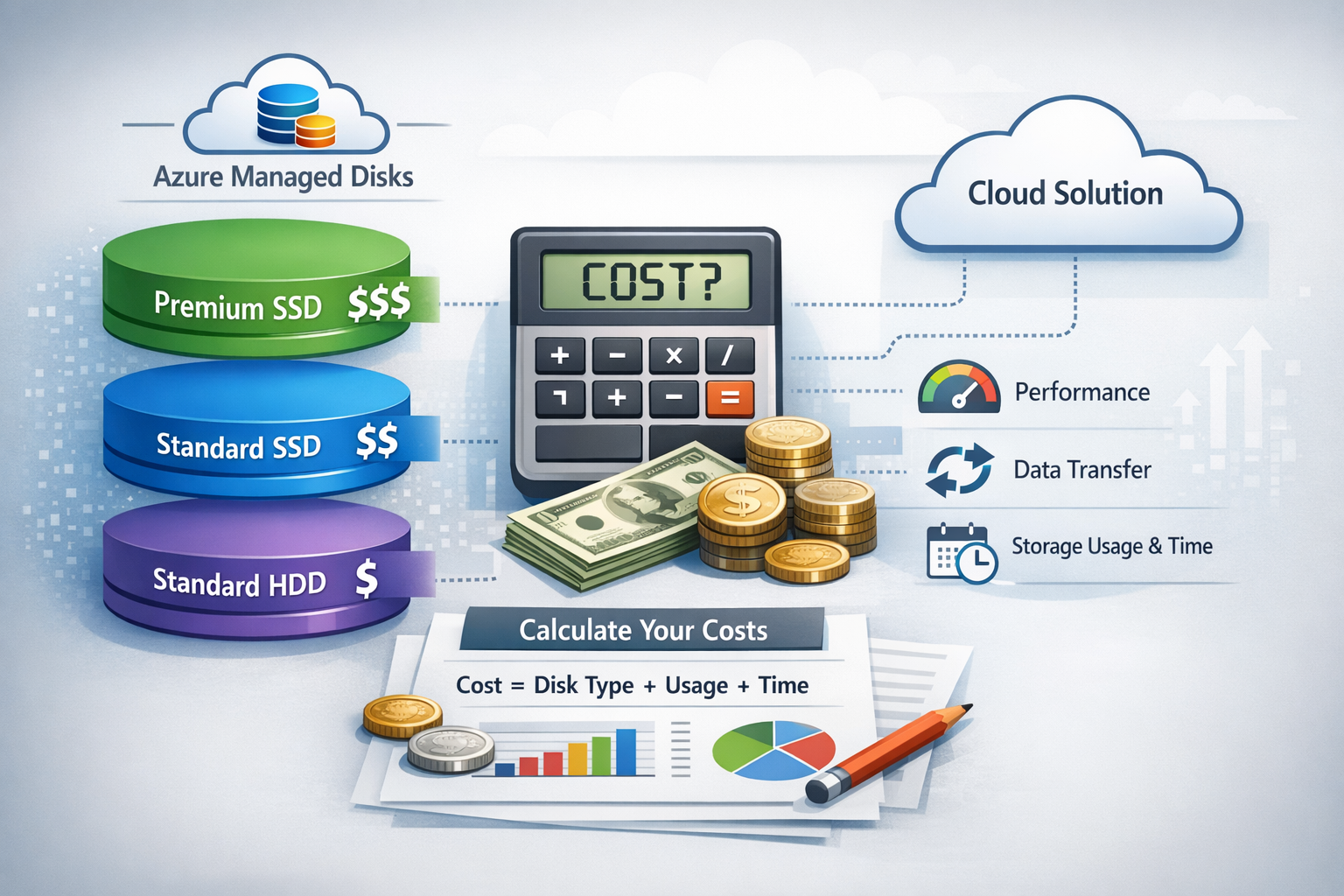
While Microsoft has not published cost‑impact specifics for individual environments, switching to managed disks may result in cost differences depending on disk size, performance tier, and current utilisation patterns. Managed disks operate on provisioned size rather than consumed space, so a review of current disk allocations and right‑sizing opportunities is highly recommended. Using the Azure pricing calculator to model expected costs can help organisations align migration steps with budget planning.
With the final deadline approaching, now is the right time for teams to validate their migration processes, test the conversion of representative workloads, and build a structured transition plan. Managed disks not only ensure compatibility with Azure’s future roadmap but also provide a more reliable, scalable foundation for modern cloud infrastructure. The sooner organisations begin the shift, the smoother their operational continuity will be as Azure phases out unmanaged disk support.
How to Update to Managed Disks
Migrating a VM from unmanaged to managed disks is a straightforward process, but it does require a short maintenance window.
For single-instance VMs, Azure provides built‑in commands that convert both the OS disk and any attached data disks. The VM must first be deallocated before running the conversion, and once the migration completes, Azure restarts the VM using managed disks. For VMs running in an availability set, the availability set itself must be converted first before individual VMs can be migrated, but Azure also provides the tooling to handle this scenario.
After migration, the original VHD page blobs and storage accounts are not automatically removed. These continue to incur charges until manually deleted, so it’s important to verify successful conversion and then clean up unused artifacts. Azure’s tooling, such as PowerShell cmdlets and the Azure portal, makes it easy to identify and remove these leftover disks. By following these steps, teams can transition to managed disks smoothly while ensuring cost efficiency and resource hygiene.